October 14, 2026
How to Read Scanned PDFs and Photos Aloud
Turn scanned pages and photos into listening material. Learn how OCR differs from PDF text extraction and how to check recognized text before playback.
A PDF can look full of words while containing only page images. Text to speech needs actual text, so these scanned documents require recognition first. OCR, or optical character recognition, extracts words from an image so a reader can speak them.
Identify an image-only document
Try selecting or copying a sentence in your PDF viewer. If you can only select the page as a picture, the document may be image-only. This is a useful check, although PDF permissions and viewer behavior can also affect selection. A scan of a printed page is different from a document exported with selectable text.
Use scan or photo import
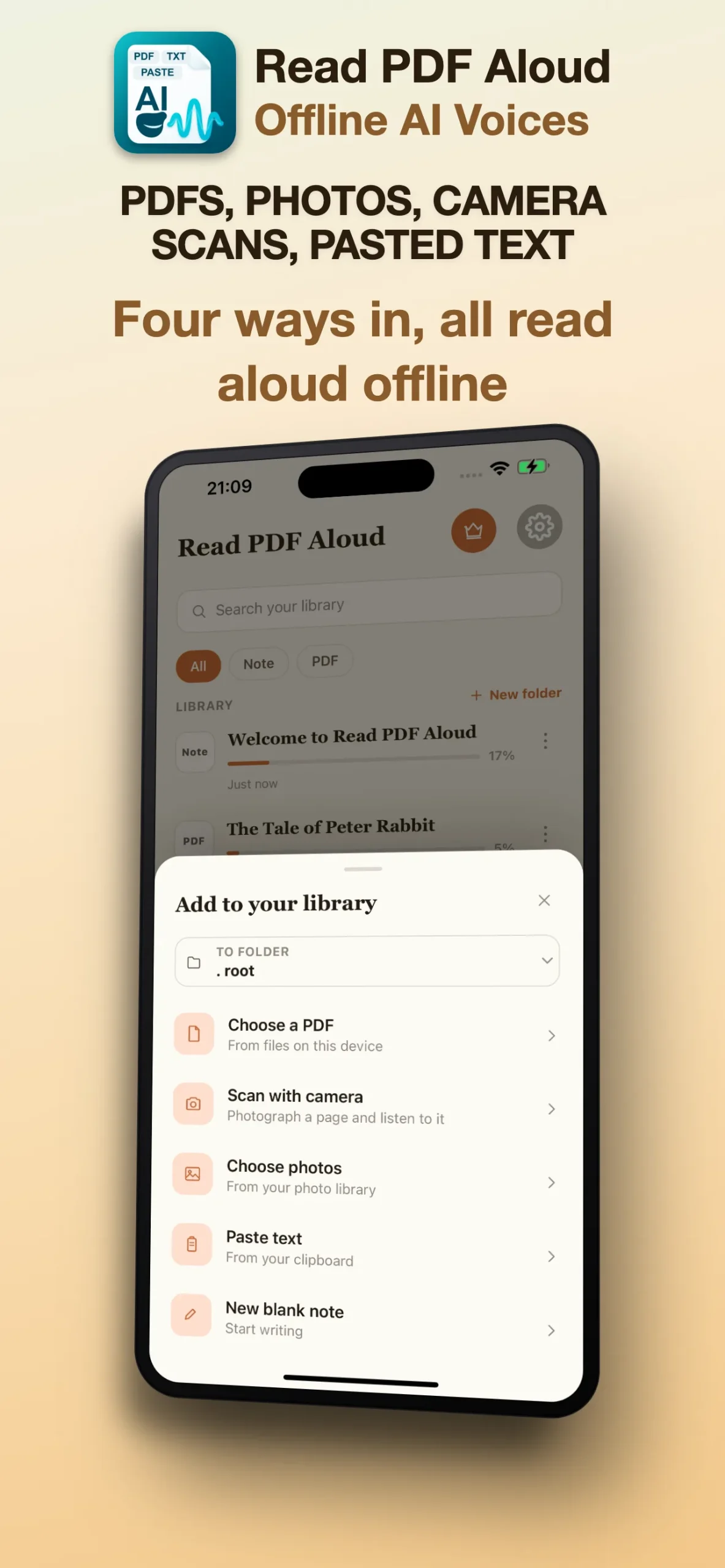
Read PDF Aloud uses on-device text recognition for scanned or image-only PDF pages. Import the PDF and test a short passage; recognition accuracy depends on the page image. The app also offers camera scan and photo import options for captured pages. If recognition misses words, try a clearer image or obtain a text-readable copy of the PDF.
Capture a page that is easy to recognize
- Place the page flat and include all the text you need.
- Use even lighting and avoid glare or strong shadows.
- Keep the camera steady so the letters stay sharp.
- Check the image orientation and avoid cutting off words at the edges.
Small print, handwriting and decorative type can be harder to recognize. Tables and multiple columns may also produce a reading order that needs checking. A clearer image is usually a better starting point than trying to fix every error after recognition.
Review the recognized words
Before listening, compare the extracted text with the original page. Pay attention to numbers, names, punctuation and headings. If the result contains gaps or obvious errors, try a cleaner image. When you can obtain correct digital text, pasting it into a text item is another way to prepare material for listening.
Choose the right playback language
Select a voice that matches the recognized text, then play a short passage. Listen slowly enough to notice recognition errors before starting a longer session. A voice cannot correct a word that OCR extracted incorrectly, so checking the text and checking the voice are separate steps.
Continue with your reading session
Use the PDF listening guide for iPhone and iPad for playback controls and speed settings. For reading away from a connection, prepare local text and downloaded voices using the offline listening guide. Read PDF Aloud supports PDFs, scans, photos, pasted text and notes; EPUB, DOCX and TXT file import are not supported. Get the app on the App Store.