PDF text to speech for iPhone and iPad
Read PDF Aloud
Listen to PDFs, scanned pages and notes with natural voices. Import your document, choose a voice, and follow highlighted text while reading offline.
Offline listening
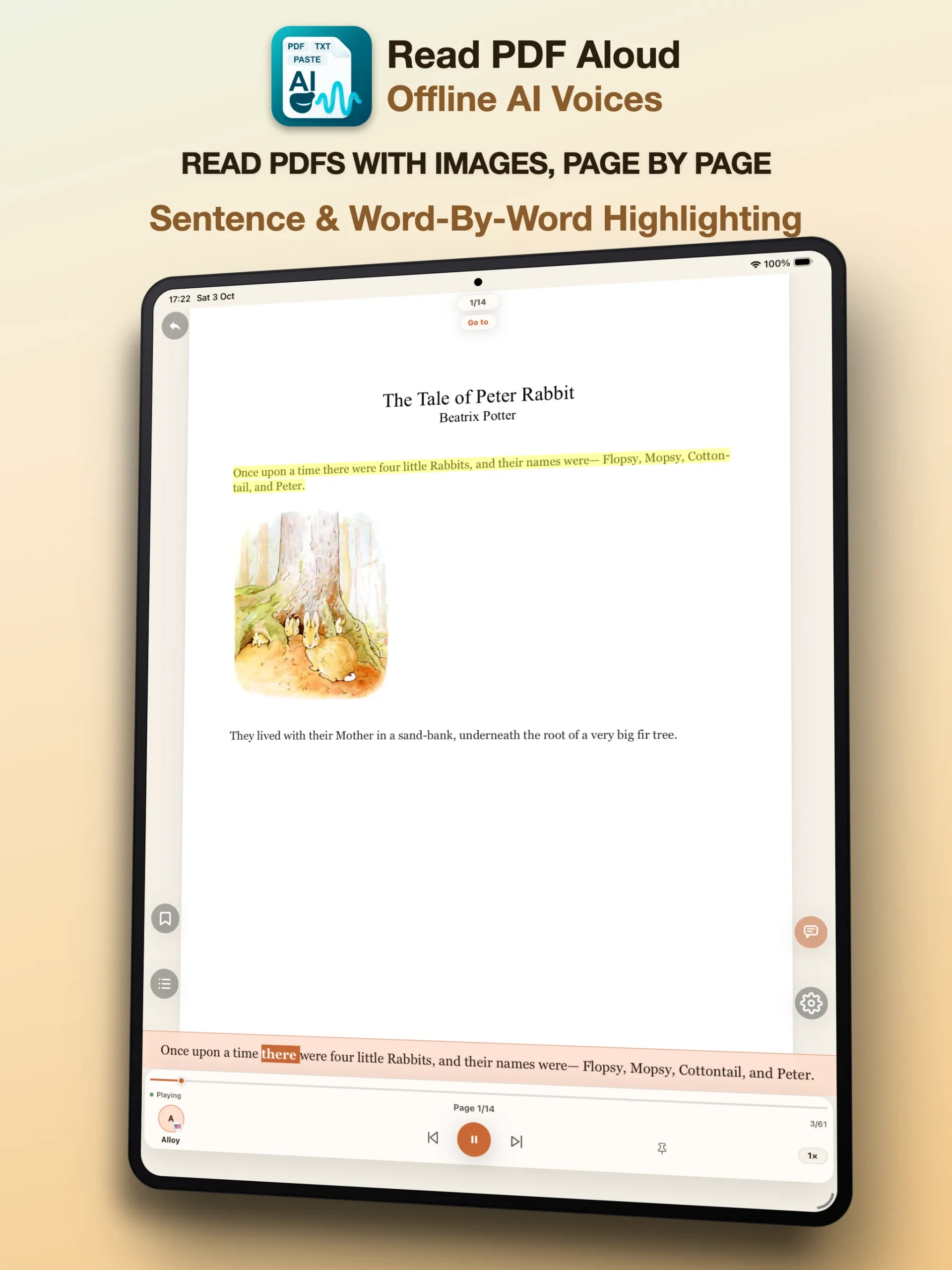
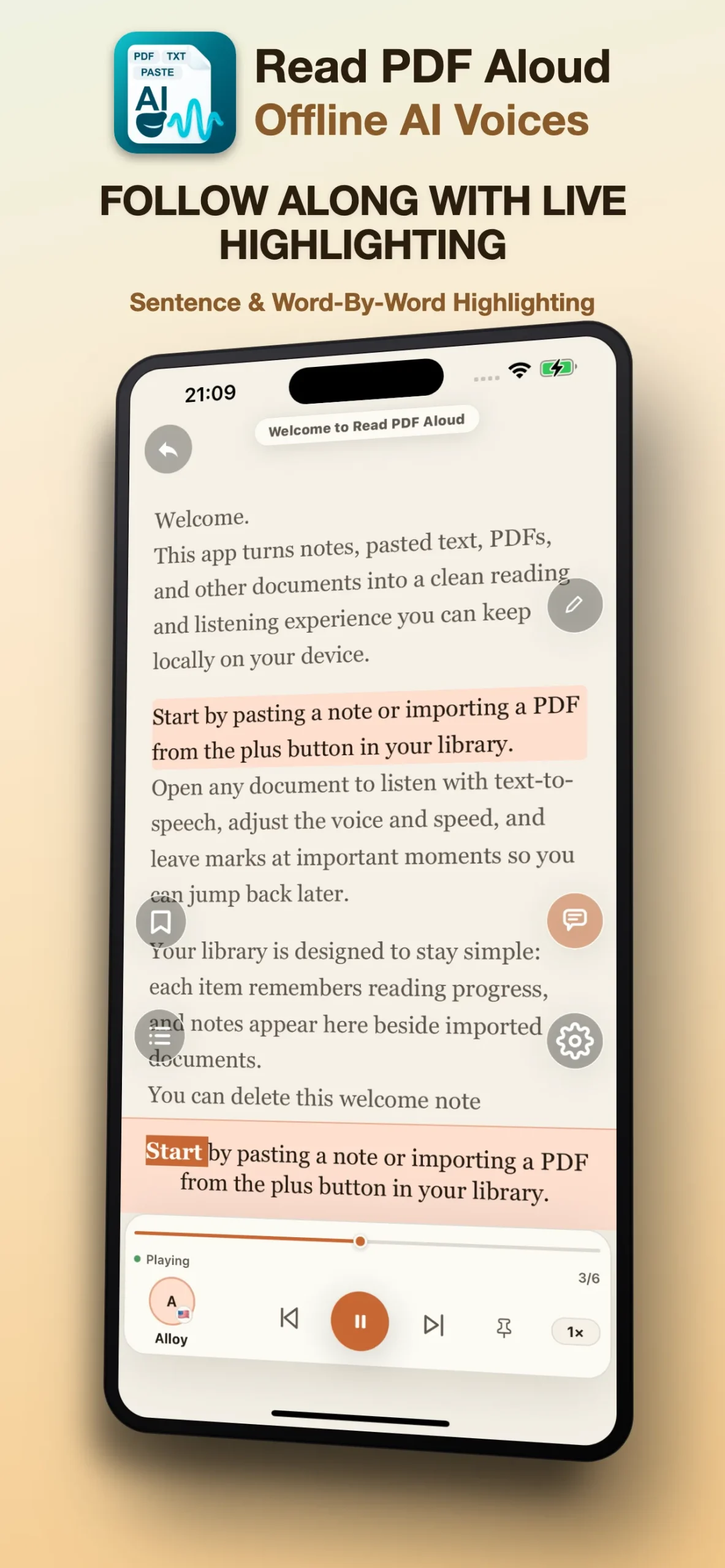
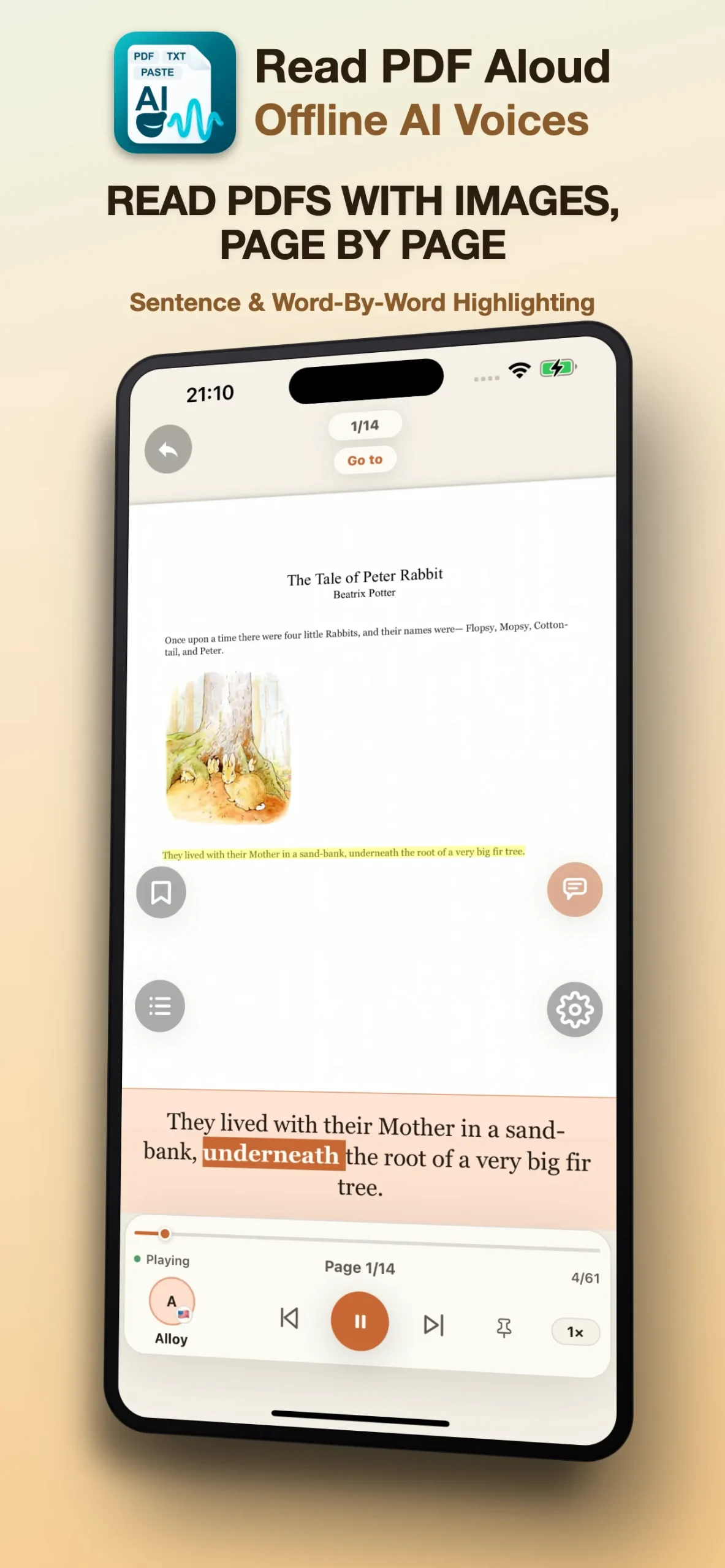
PDF highlighting
Voice and speed control
Built for real reading
Listen to your documents when you need a break from the screen.
Read PDF Aloud helps students, professionals and everyday readers listen through long PDFs, captured pages and saved notes while keeping the document context visible.
What it does
Import, listen, adjust, continue.
Listen to PDFs
Open PDFs and follow along as the reader highlights the active passage during playback.
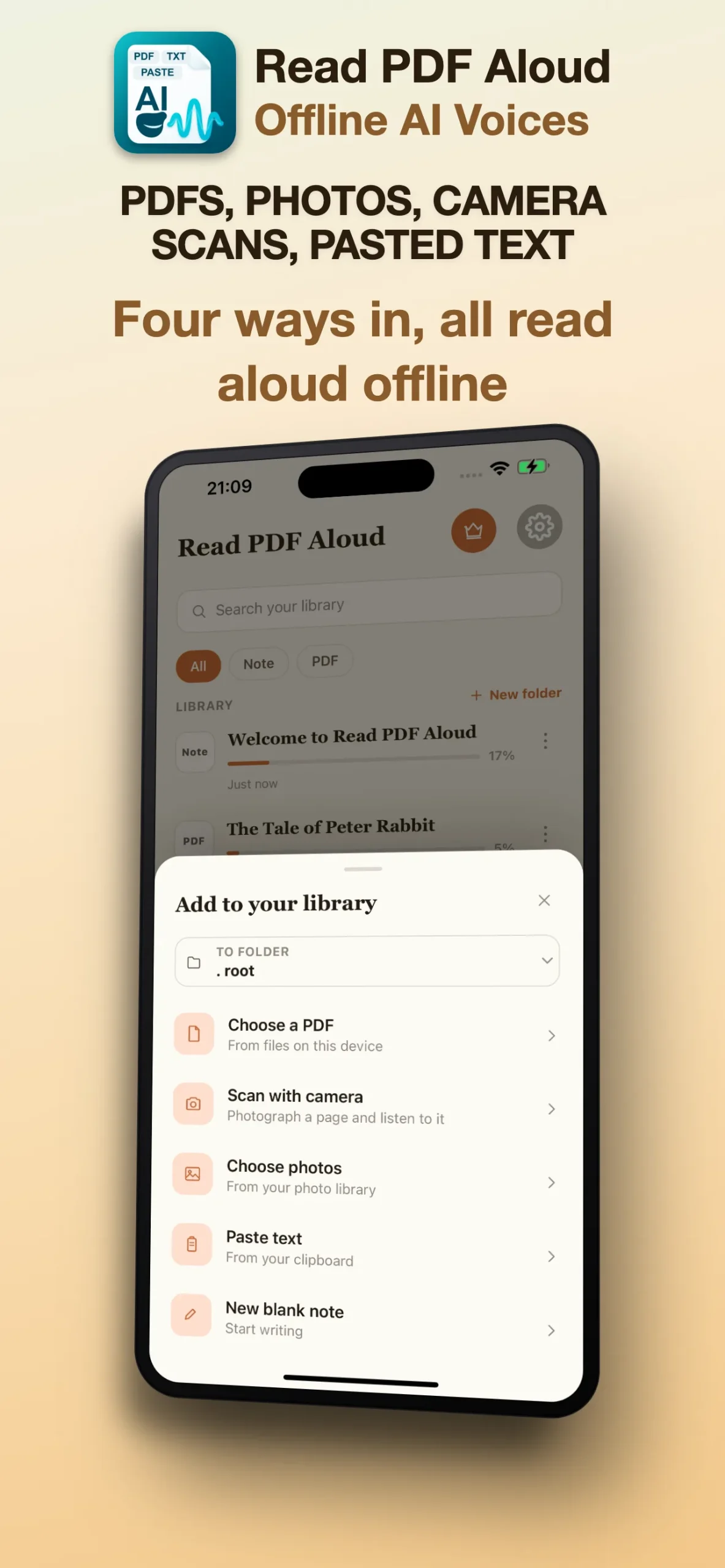
Scan pages and photos
Use camera scans or photos to extract captured text for listening. Clear images help the reader recognize the words.
Paste text and notes
Paste copied text or write notes directly when you want quick listening without a file.
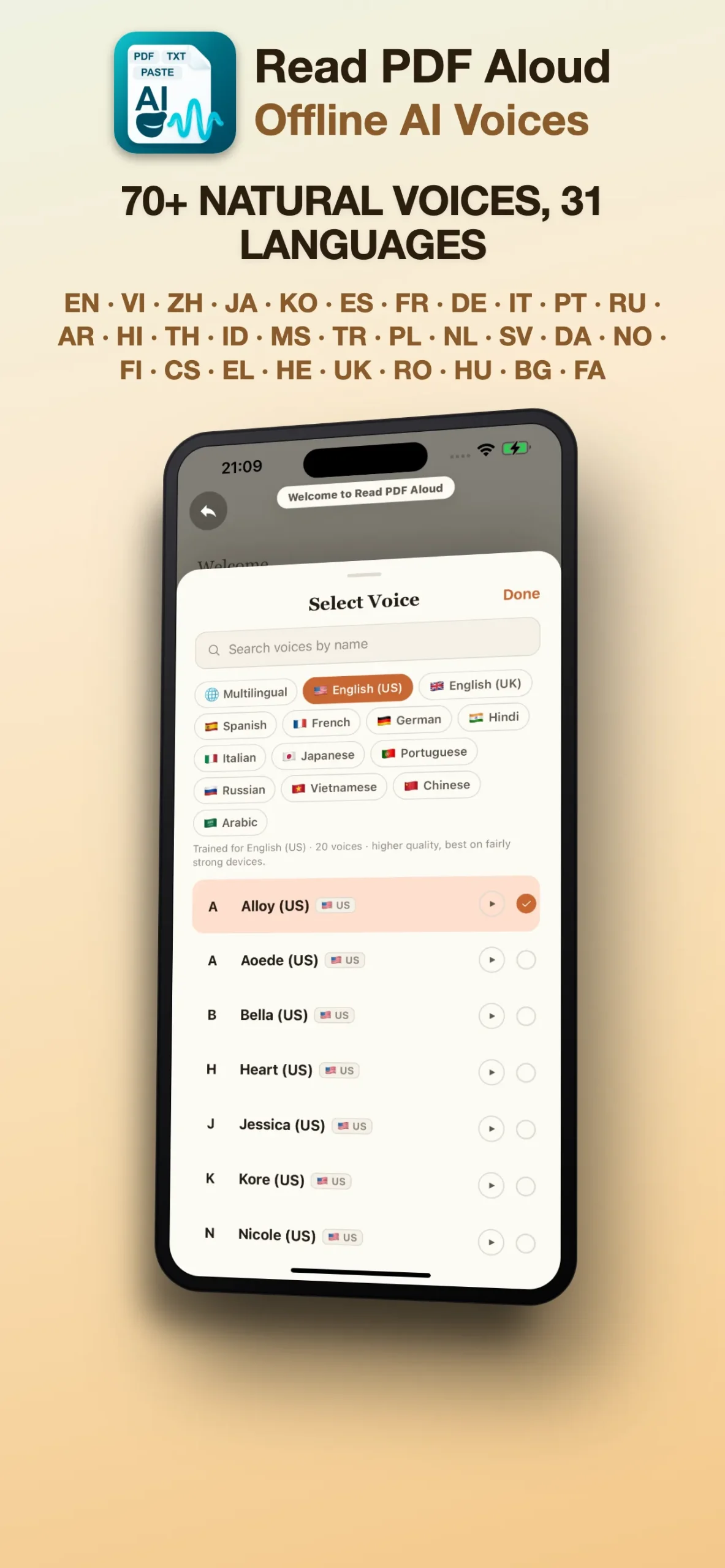
Voice and speed control
Choose a voice and adjust playback speed to suit your reading pace.
Offline PDF reader
Keep listening without a network connection.
Download voices while online, then listen to documents and notes already on your device. Downloading more voices and fetching files from online storage require an internet connection.
- Choose a voice for the language of your document.
- Adjust playback speed for review, study or relaxed listening.
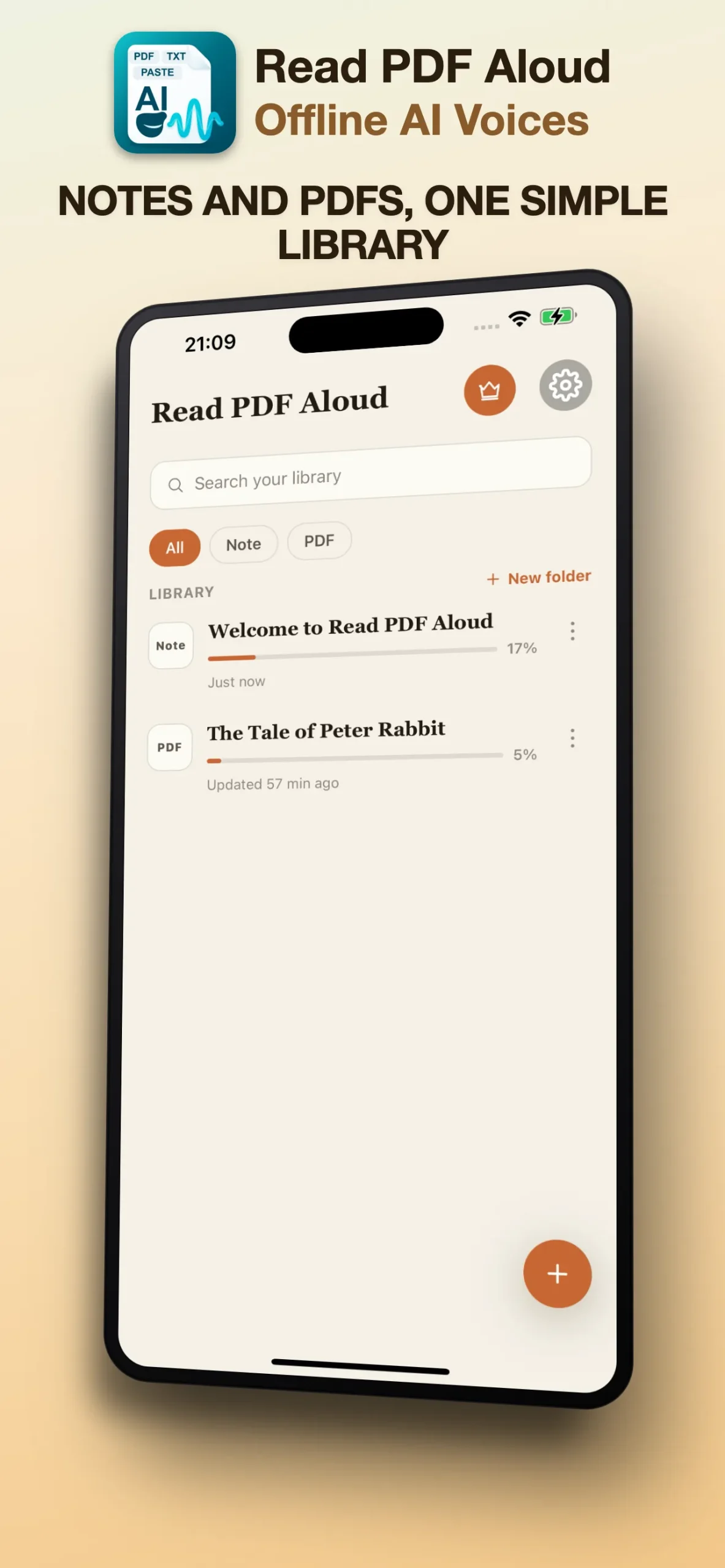
- Keep your reading items together in the document library.
Inside the app
A focused workspace for reading by listening.
Who it helps
Make time for the documents that matter.
Study
Review papers, handouts and notes while commuting or taking a screen break.
Work
Listen through reports and captured pages between tasks.
Everyday reading
Turn saved documents, pasted text and personal notes into audio you can control.
Reading guides
Get more from PDF listening.
- How to read a PDF aloud on iPhone and iPad
- How to listen to PDFs offline
- How to read scanned PDFs and photos aloud
Can Read PDF Aloud work offline?
Yes. Download a voice first and keep your document on the device. Reading and listening can then work offline.
Can I listen to a scanned PDF?
Scanned pages need text recognition before playback. You can use the scan or photo import options; check the recognized words before listening.
Which content can I import?
Read PDF Aloud supports PDFs, camera scans, photos, pasted text and notes. EPUB, DOCX and TXT file import are not supported.
Available on the App Store
Bring your next PDF and press play.
Download Read PDF Aloud for iPhone and iPad and start listening to your documents.
From the blog
Make more of your reading time.
Practical tips for listening to PDFs, preparing offline voices and working with scanned pages.
- How to Read Scanned PDFs and Photos Aloud
 Turn scanned pages and photos into listening material. Learn how OCR differs from PDF text extraction and how to check recognized text before playback.
 - How to Listen to PDFs Offline on iPhone and iPad
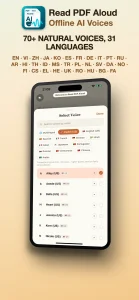 Prepare downloaded voices and local documents for offline PDF listening on iPhone and iPad. Learn which Read PDF Aloud features still need internet.
 - How to Read a PDF Aloud on iPhone and iPad
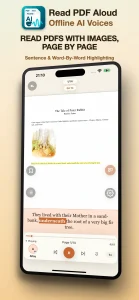 Learn how to import a PDF, choose a voice, adjust playback speed and follow highlighted text with Read PDF Aloud on iPhone and iPad.
31 languages. Find your reading voice.
Listen to real app voice examples and choose a language for your next document.
Reading a little every day is the easiest way to learn a new language.
- Arabic (العربية)
- Bulgarian (Български)
- Chinese (中文(简体))
- Czech (Čeština)
- Danish (Dansk)
- Dutch (Nederlands)
- English (English)
- Finnish (Suomi)
- French (Français)
- German (Deutsch)
- Greek (Ελληνικά)
- Hebrew (עברית)
- Hindi (हिन्दी)
- Hungarian (Magyar)
- Indonesian (Bahasa Indonesia)
- Italian (Italiano)
- Japanese (日本語)
- Korean (한국어)
- Malay (Bahasa Melayu)
- Norwegian (Norsk)
- Persian (فارسی)
- Polish (Polski)
- Portuguese (Português)
- Romanian (Română)
- Russian (Русский)
- Spanish (Español)
- Swedish (Svenska)
- Thai (ภาษาไทย)
- Turkish (Türkçe)
- Ukrainian (Українська)
- Vietnamese (Tiếng Việt)