October 14, 2026
Listen to PDF Textbooks and Research Papers on iPhone
Use PDF text to speech for textbooks, lecture notes and research papers. Follow highlighted text, check difficult layouts and prepare offline study sessions.
A textbook chapter, lecture handout or research paper can be easier to revisit when you can switch between reading and listening. Read PDF Aloud lets you import your own PDF on iPhone or iPad and follow highlighted text while it is spoken. A useful study session starts with checking the document, choosing a suitable pace and deciding which passages need a closer look.
Choose a passage with a clear study purpose
Start with the section you want to review: a definition, an explanation or a chapter introduction. Listening to a familiar section can be useful for revision. For a new or technical topic, keep the PDF visible and pause whenever you need to examine a diagram or work through an example.
Import the PDF, or paste a paragraph into a text item when only a short extract is needed. You can also write notes in the app and listen back to them. This reads the text you provide; it does not verify the argument or replace checking the original source.
Set up your first PDF reading session
Check columns, equations and references before playback
Academic PDFs often have two columns, footnotes, formulas and captions. Extracted text may put these elements in an unexpected order. Compare a short spoken passage with the original PDF before relying on a longer listening session.
Tables and equations often need visual inspection. Pause, read the source and make your own note of the important relationship. Text to speech does not explain a graph or guarantee that a mathematical expression will be read in the way your course expects.
For an image-only handout, on-device recognition must identify the words first. Clear scans improve the starting point, but check names, numbers, symbols and specialist terms against the source.
Check scanned handouts and recognition errors
Use highlighting to keep your place
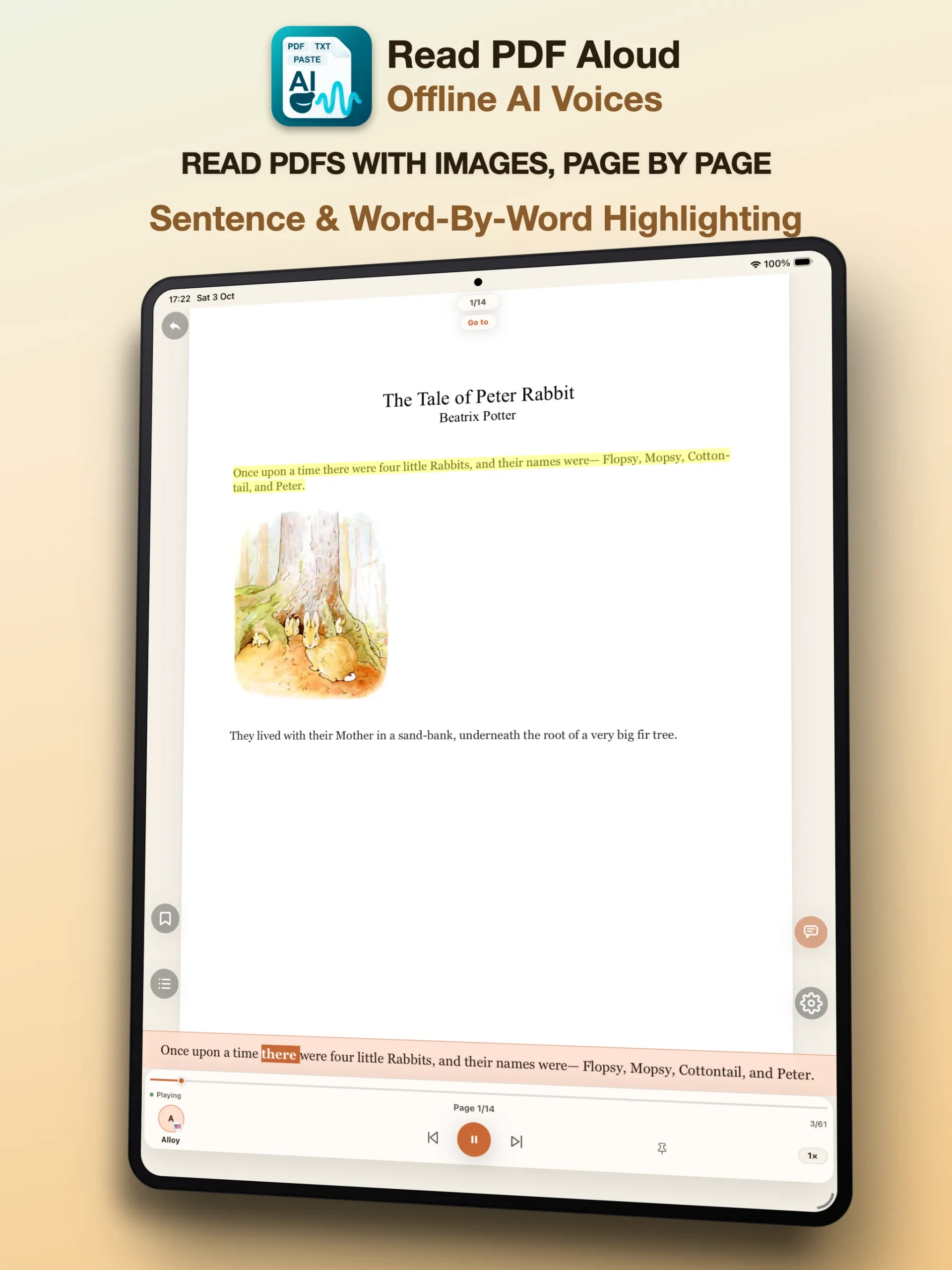
Follow the highlighted sentence while listening to unfamiliar material. Choose a voice for the language of the document and begin at a pace that lets you understand the terminology. Choosing a voice in another language does not translate your paper.
When you find a passage you want to revisit, use notes or bookmarks. Keep your own questions separate from the author’s text. After a section, pause and explain its main point in your own words; then return to the source to check what you missed. This is a practical review routine, not a guarantee of improved grades.
Preview a voice before studying
Prepare lecture notes for your commute
The app supports background and lock-screen playback, so you can listen without keeping the display on. Keep a study session appropriate to your surroundings. Offline playback uses the document and voice on your device; online AI analysis still requires internet.
- Import the local PDF and download the required voice before leaving.
- Test a short passage with the network disconnected.
- Check reading order and audio output before your journey.
- Choose a familiar section for listening; save diagrams and dense tables for a screen-based review.
Prepare an offline listening session
Keep document privacy and cost in view
Reading uses on-device voices and text processing where supported. Your documents and reading data stay on your device; optional online features have separate requirements described in the privacy policy. Follow your institution’s rules for course materials and confidential research.
The free plan allows up to 15 minutes of listening per rolling 24-hour period across PDFs and notes. Test a real course extract before deciding whether the voice and workflow fit your needs. Paid options remove the daily listening limit, and plan features are shown in the app.
Read how the app handles documents
Start with one real study document
Bring a textbook section, a lecture PDF or a research paper you are permitted to use. Import it, choose a voice and compare a short passage with the source. If the layout prevents clear reading, try a clean text extract rather than listening through a confusing page.